AI Product Photography in 2026: A Practical Workflow for Shopify, Etsy, and Google Shopping
2026-06-03 • snapedit team • 7 min read
AI product photography has moved beyond experiment status.
In 2026, small brands, solo sellers, and creator-led shops are using AI to clean product photos, remove distracting backgrounds, resize images for storefronts, and generate more visual variations without booking a full reshoot every time.
The important question is no longer just, "Can AI make product photos?"
It is: can AI product photos look trustworthy enough to publish on a store, marketplace, or ad campaign?
The answer is yes, but only when the workflow is practical.
If you treat AI as a replacement for every part of product photography, results often look fake. If you use AI to improve a solid base image and speed up repetitive editing work, the results are much more useful.
Why AI product photography is trending right now
Based on current 2026 search results, the search intent around AI product photography is shifting toward three questions:
- Is it good enough for real ecommerce use?
- Which parts of the workflow should still start with a real product photo?
- How do you create listing-safe images for Shopify, Etsy, and Google Shopping?
That shift makes sense. Sellers are under pressure to publish more images faster, but they still need product visuals that look accurate, clean, and compliant.
Recent ecommerce and AI photography coverage also shows a consistent pattern: brands are using AI less as a novelty generator and more as a production layer for background cleanup, scene variation, and resolution fixes.
What AI product photography actually includes
AI product photography is not one single tool.
For most stores, it includes a combination of:
- background removal
- retouching and cleanup
- white background exports for listings
- transparent PNG cutouts for reuse
- image upscaling for sharper product detail
- lifestyle or campaign variations built from the same source photo
This matters because many sellers search for "AI product photography" when they really need a simpler outcome:
- a cleaner main product image
- a faster way to make five consistent listing photos
- a reusable transparent cutout
- a sharper version of an image that looks soft on mobile or zoom
Where AI works best in product image workflows
AI works best when the source image is already usable.
That means:
- the product shape is clear
- lighting is decent
- colors are reasonably accurate
- the item is not heavily blocked by hands, props, or clutter
When those basics are in place, AI is very effective for repetitive editing tasks that used to take too long by hand.
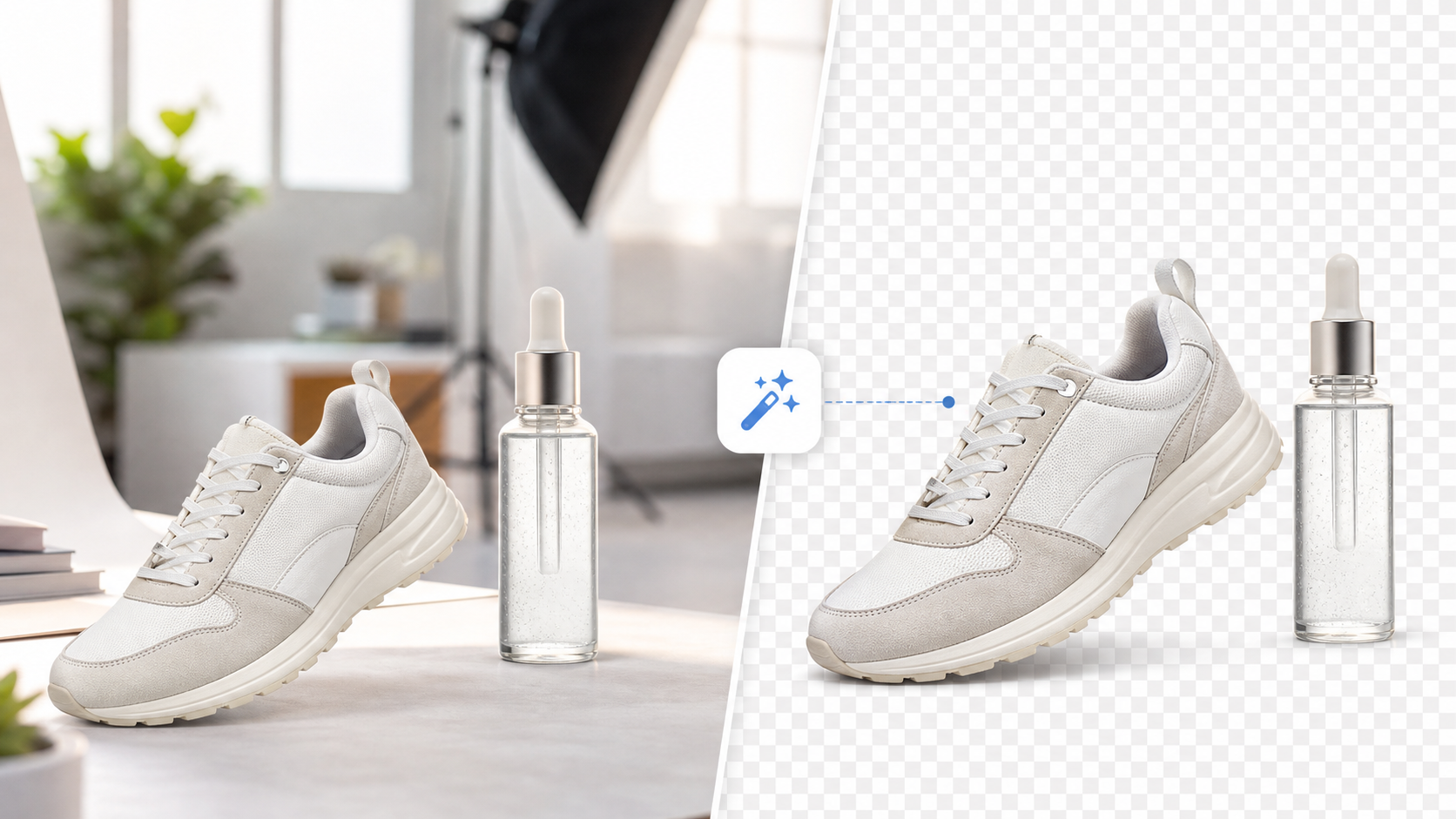
1. Removing the background
This is still one of the most practical AI image tasks for ecommerce.
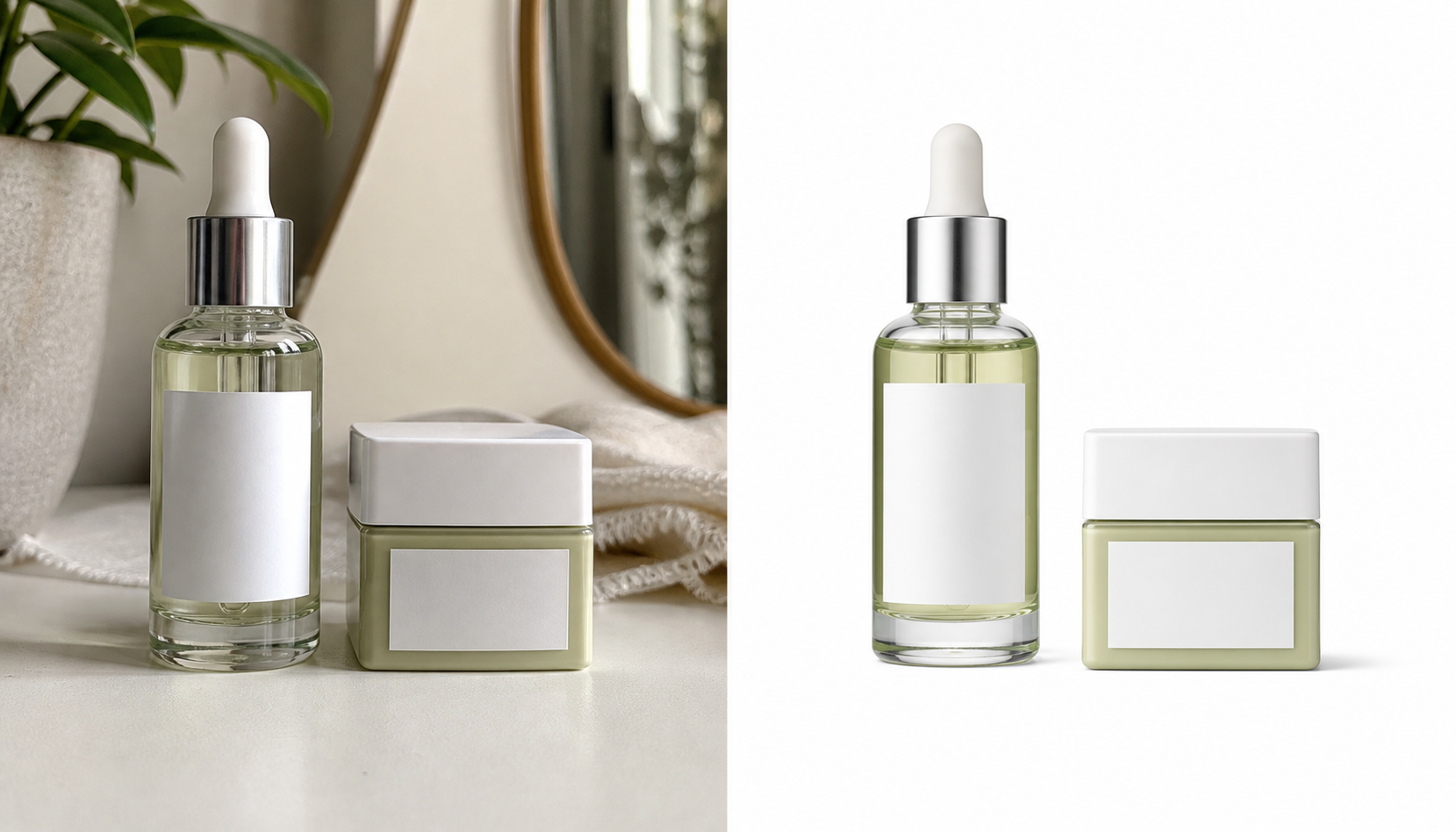
If you start with a clean product photo, a tool like SnapEdit's free background remover can quickly separate the product from the original backdrop and export a reusable cutout.
That gives you two immediate benefits:
- a cleaner product image for marketplaces
- a transparent product asset for banners, collages, social posts, and seasonal creatives
2. Creating a white background version
Google Merchant Center says the main product image should use a solid white or transparent background in most cases, and recommends images near or above 1500 x 1500 pixels for best performance.
That means AI product photography is not only about dramatic lifestyle scenes. For many sellers, the most valuable outcome is a simple white-background image that looks consistent and professional.
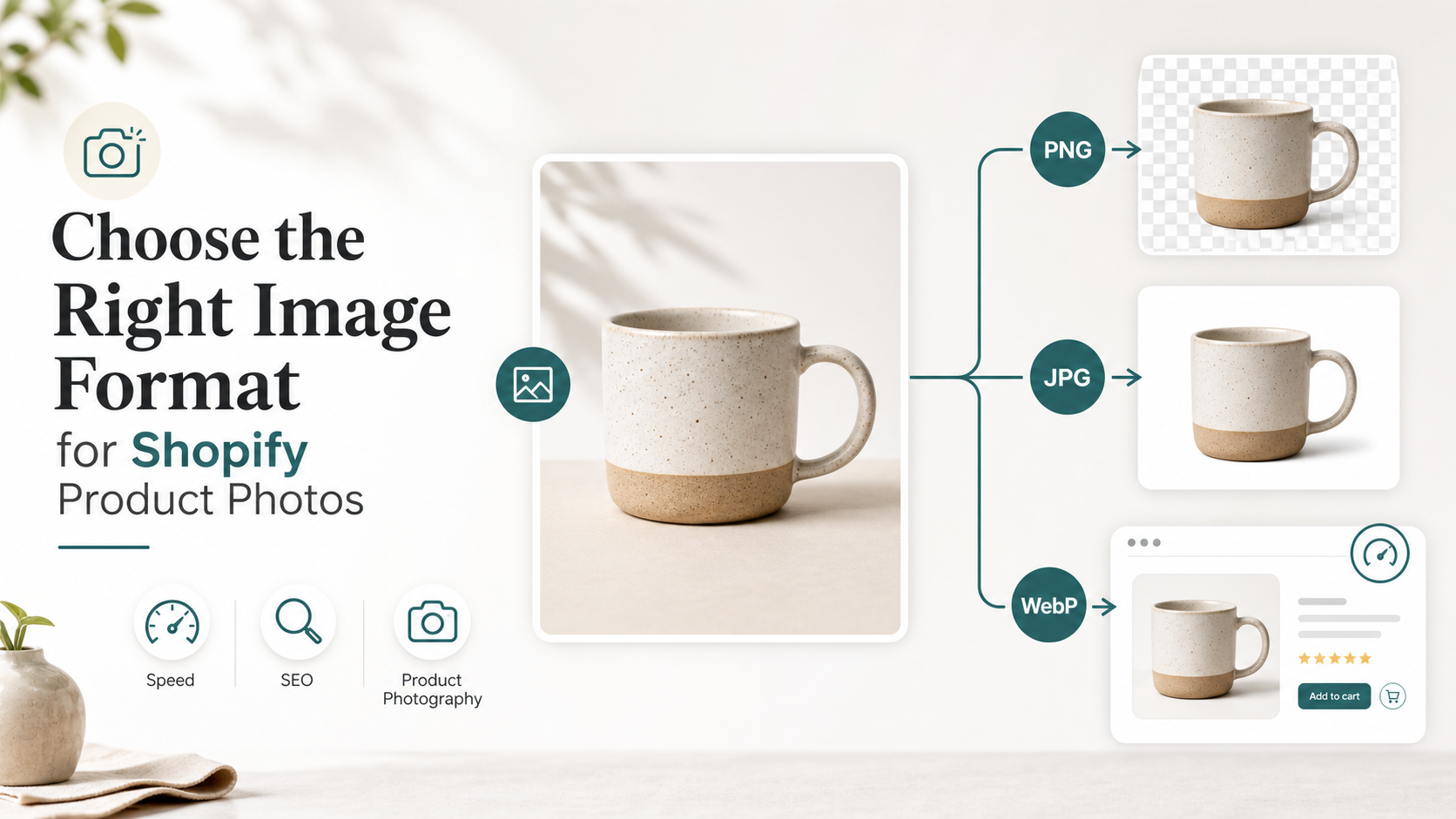
3. Saving a transparent PNG master
A transparent PNG is often the most flexible intermediate asset in the workflow.
Once you remove the background, you can reuse the same product cutout across:
- Shopify product cards
- Etsy listing graphics
- ad creatives
- comparison charts
- promotional banners
If you only save a flattened JPG too early, every later change becomes extra work.
4. Upscaling weak product photos
Sometimes the product photo is acceptable, but too small or too soft for a polished listing.
That is where SnapEdit's AI image upscaler fits naturally. Upscaling should come after you have chosen the image you actually want to publish, not before every editing step.
A practical AI product photography workflow
If you want results that look real instead of over-processed, use this sequence:
- Start with the cleanest original product photo you have.
- Remove the background and save a transparent PNG master.
- Export a white-background version for marketplaces and ads.
- Resize or upscale only the final versions that need more clarity.
- Create secondary layouts or campaign visuals from the transparent master.
- Check that colors, edges, shadows, and proportions still look believable.
This workflow is simple, but it solves the biggest real-world problem: sellers need the same product to work across multiple channels without starting from scratch each time.
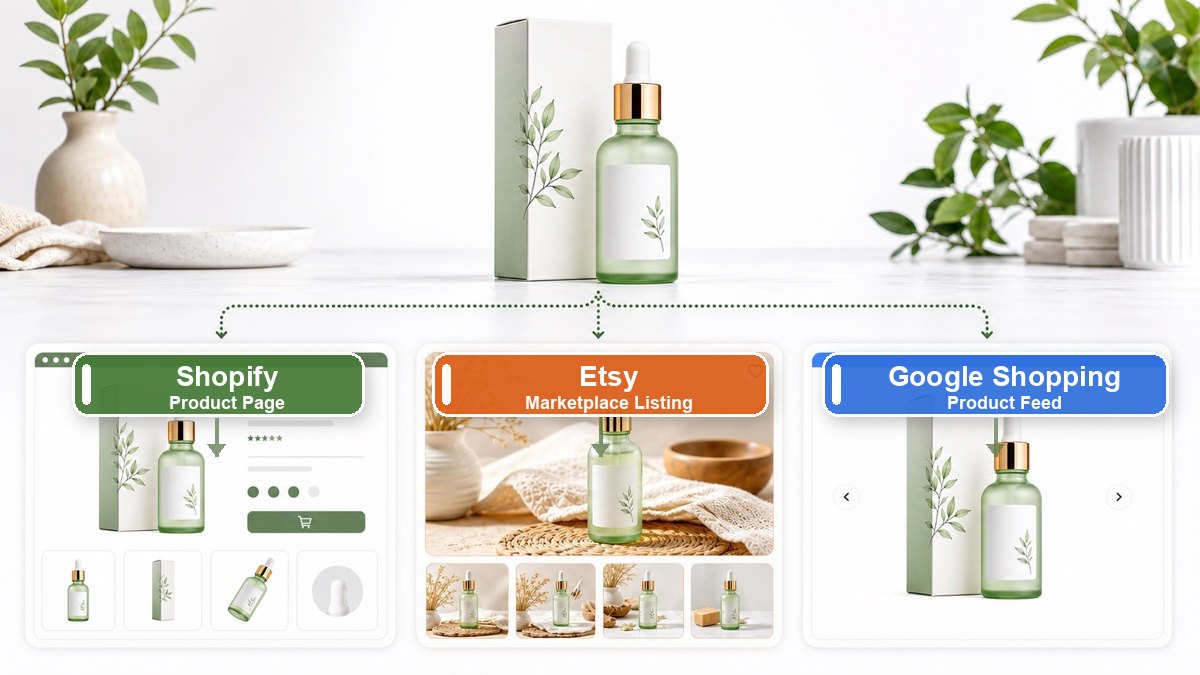
Shopify, Etsy, and Google Shopping each need something slightly different
The biggest mistake with AI product photography is assuming one image should do everything.
Different channels reward different image styles.
| Channel | Best image style | Why it works |
|---|---|---|
| Shopify product page | Clean product photo plus supporting detail shots | Customers want confidence, zoom clarity, and consistency |
| Etsy listing | Main product image plus graphic or lifestyle variation | Listings need to stand out while staying understandable at thumbnail size |
| Google Shopping | Clear product-focused image on white or transparent background | Policy and performance both favor simple, accurate presentation |
| Social ads | More creative scene variations from the same cutout | Campaign visuals can be more expressive than listing images |
In practice, that means your AI workflow should produce multiple outputs, not one "perfect" file.
What makes AI product images look fake
Most bad AI product photography fails for predictable reasons:
- product edges look melted or clipped
- shadows do not match the object
- colors drift away from the real product
- labels, logos, or packaging details become inaccurate
- reflections and scale feel unnatural
- the image looks cinematic but not trustworthy
This is why a real product photo is still the best starting point for most ecommerce editing.
AI can accelerate cleanup and versioning, but trust still comes from accuracy.
How this connects to image SEO
AI product photography helps with production speed, but image SEO still depends on the fundamentals.
Google's image SEO guidance continues to emphasize:
- crawlable image pages
- descriptive filenames
- helpful surrounding text
- useful alt text
So if you create a better product image, finish the workflow properly:
- use a clear filename like
linen-tote-bag-white-background.jpg - write alt text that describes the actual product
- place the image on a relevant product or article page
- avoid uploading ten near-duplicate files with vague names
Better visuals help users first. Better search performance usually follows from the cleaner page experience.
Should AI replace a real product photoshoot?
Usually, no.
For most stores, the better question is whether AI can reduce how often you need another shoot.
AI product photography is strongest when it helps you:
- reuse one good product shot across more placements
- fix small background and cleanup problems
- create compliant marketplace images faster
- prepare sharper assets for PDPs, blog posts, and ads
It is weaker when you ask it to invent fine product detail that shoppers may later compare with the real item.
If you sell fashion, cosmetics, jewelry, supplements, or any product where texture and label accuracy matter, treat AI as an editor, not a truth generator.
Best use cases for small teams and creator-led brands
AI product photography is especially useful when:
- you launch products often
- you run seasonal campaigns with limited time
- you need quick storefront updates without a designer on every change
- you want to turn one product photo into several marketing assets
- you sell on both your own store and marketplaces
For creator-led brands, the biggest win is usually not "perfect AI art." It is a faster pipeline from product shot to publishable asset.
Final takeaway
AI product photography is worth using in 2026, but the best results come from a grounded workflow.
Start with a real product photo. Remove the background cleanly. Keep a transparent PNG master. Export the white-background version your listings need. Upscale only when clarity is the actual problem.
That process is more reliable than trying to generate every product image from scratch, and it gives you assets you can reuse across Shopify, Etsy, Google Shopping, blog graphics, and social campaigns.
If you want to build that workflow quickly, start with SnapEdit's free background remover for the cutout, then use the AI image upscaler for the final polish.