10 Best AI Sticker PNG Tools for Etsy and Print on Demand in 2026
2026-06-04 • snapedit team • 4 min read
If you want to sell AI stickers on Etsy or upload them to print-on-demand platforms, you do not just need good prompts. You need tools that help you clean the background, sharpen the file, and prepare listing-ready assets.
Here are 10 useful tools for that workflow in 2026.
1. SnapEdit
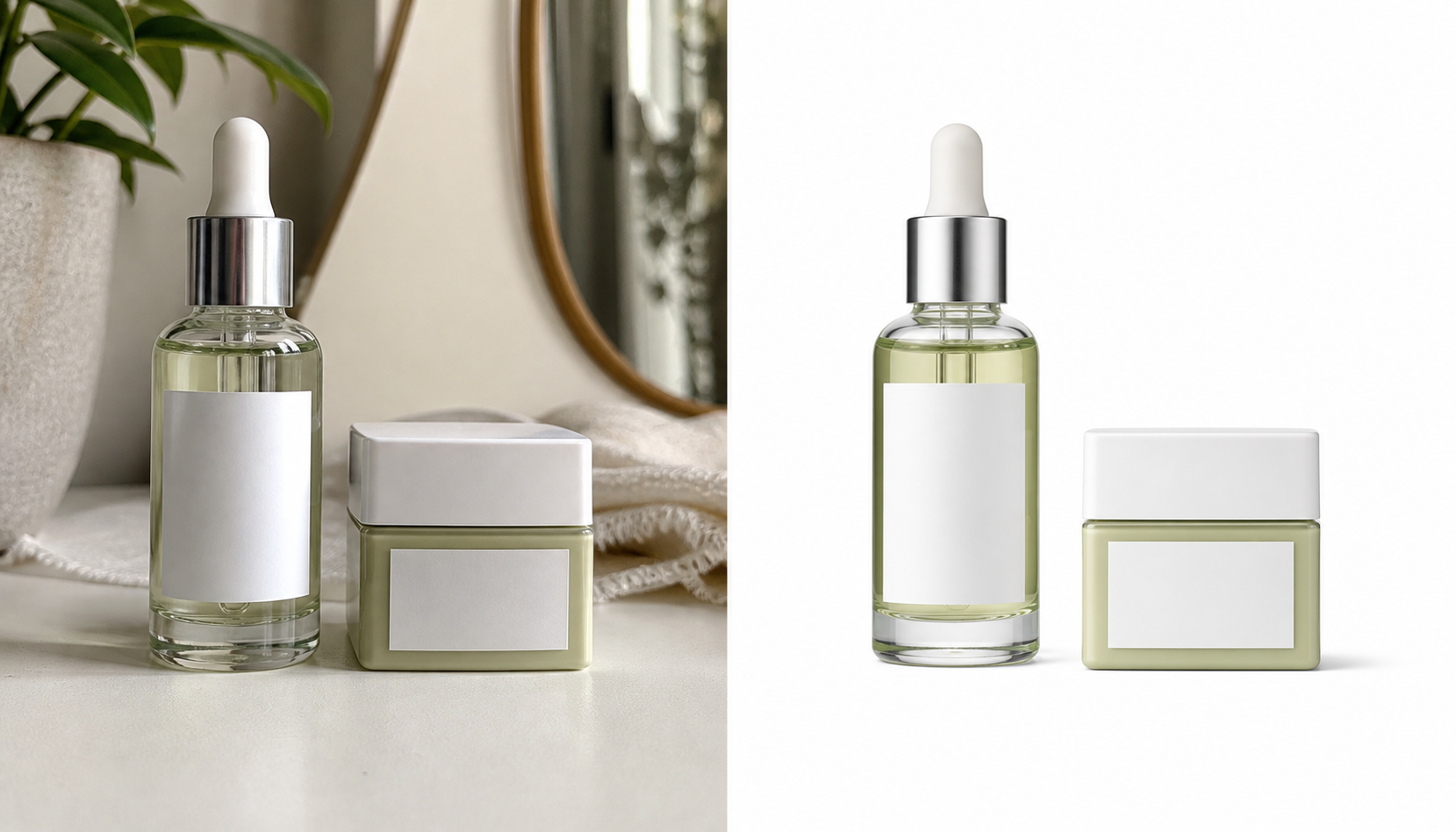
SnapEdit is the most practical starting point if your AI sticker image needs cleanup before you sell it.
Why it is useful:
- removes backgrounds quickly
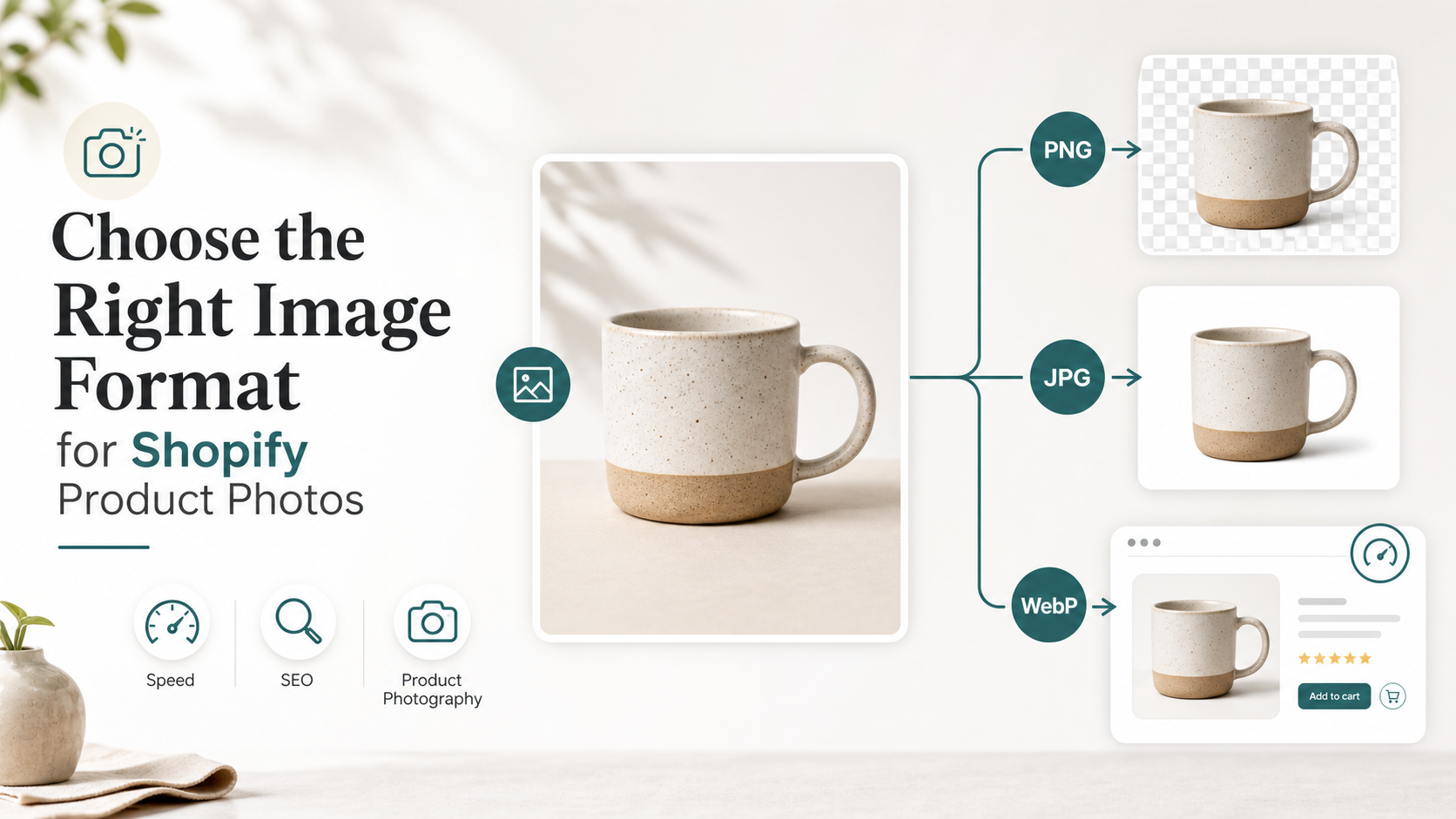
- exports transparent PNG files
- helps clean rough AI outputs before Etsy upload
- includes an AI image upscaler for small files
Best for: sellers who want a simple transparent PNG workflow without opening a full design app.
2. Canva
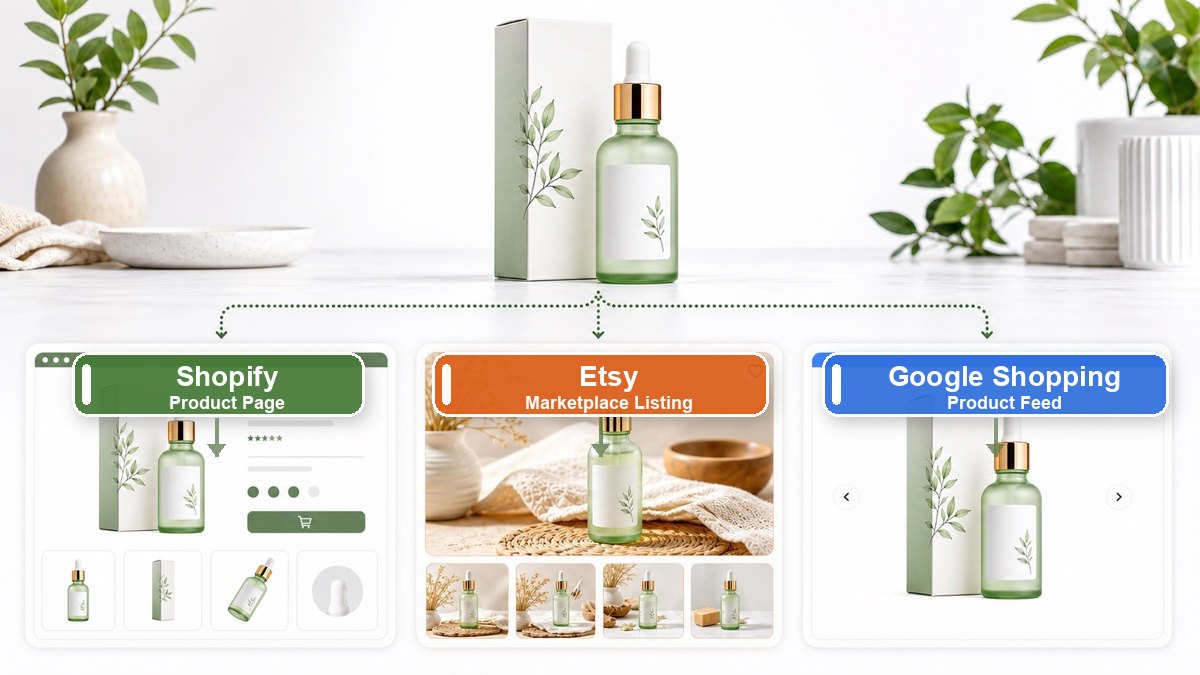
Canva is still one of the easiest tools for turning a transparent PNG into a product preview, sticker sheet, or Etsy listing image.
Why it is useful:
- fast drag-and-drop layout editing
- easy thumbnail and bundle preview creation
- useful for listing graphics and mockups
Best for: creators who want quick storefront visuals.
3. Kittl
Kittl is useful when you want sticker-style typography, retro layouts, or decorative pack designs around your AI artwork.
Why it is useful:
- good text and badge tools
- strong visual styles for digital products
- useful for sticker pack covers
Best for: sellers who want more polished listing design.
4. Photoroom
Photoroom is another strong option for background cleanup and simple product-style compositions.
Why it is useful:
- fast subject isolation
- simple compositing workflow
- useful for product previews and mockups
Best for: quick cleanup and marketplace-friendly images.
5. Clipdrop
Clipdrop is helpful when your sticker source image needs more than just background removal.
Why it is useful:
- cleanup and relighting tools
- useful for removing small distractions
- can improve rough AI-generated assets
Best for: creators fixing imperfect source images.
6. Pixelcut
Pixelcut is widely used for ecommerce graphics, which makes it useful for Etsy sellers too.
Why it is useful:
- simple product-style layouts
- fast promotional image creation
- useful for bundles and sale thumbnails
Best for: sellers who want quick marketing visuals around sticker products.
7. Printify
Printify matters because the final sticker file still has to work inside a real print workflow.
Why it is useful:
- supports PNG uploads
- useful for testing how the sticker looks on products
- helps validate whether your file is ready for POD use
Best for: sellers who want kiss-cut sticker products, not just digital downloads.
8. Printful
Printful is another useful checkpoint for print-on-demand sticker workflows.
Why it is useful:
- solid product mockup flow
- practical for checking print placement
- useful for comparing sticker product options
Best for: creators selling physical stickers across multiple POD channels.
9. Etsy Listing Editor
This is not an editing tool in the usual sense, but it matters because your final conversion depends on the listing page.
Why it is useful:
- controls the product thumbnail buyers see
- lets you present file type and pack contents clearly
- helps separate preview images from download files
Best for: making the sticker offer understandable at a glance.
10. ChatGPT or another prompt-writing assistant
Many sticker sellers lose time at the very start by generating images that are too busy or too hard to clean.
Why it is useful:
- helps create simpler sticker-friendly prompts
- can generate product titles and listing copy
- can help outline pack themes and keyword clusters
Best for: faster ideation and cleaner source image planning.
Which tool should you start with?
If your main problem is messy backgrounds, start with SnapEdit's background remover.
If your file is too small, use SnapEdit's AI upscaler.
If your sticker art is already clean and you only need listing graphics, Canva or Kittl is usually enough.
If you are selling physical stickers, check the final file in Printify or Printful before publishing.
Final takeaway
The best AI sticker workflow is usually not one tool. It is a short stack:
- generate the sticker idea
- remove the background
- save a transparent PNG
- upscale if needed
- build listing previews
- upload to Etsy or your POD platform
If you want the fastest place to start, SnapEdit is the most directly useful tool in that workflow because it handles the two most common problems first: transparent background cleanup and image upscaling.