Templates
Choose an AI image template to get started. Preview each effect by dragging the before/after slider, then open the template to transform your own photo into a poster, cover, comic, pixel art image, meme, storyboard, or seasonal design.
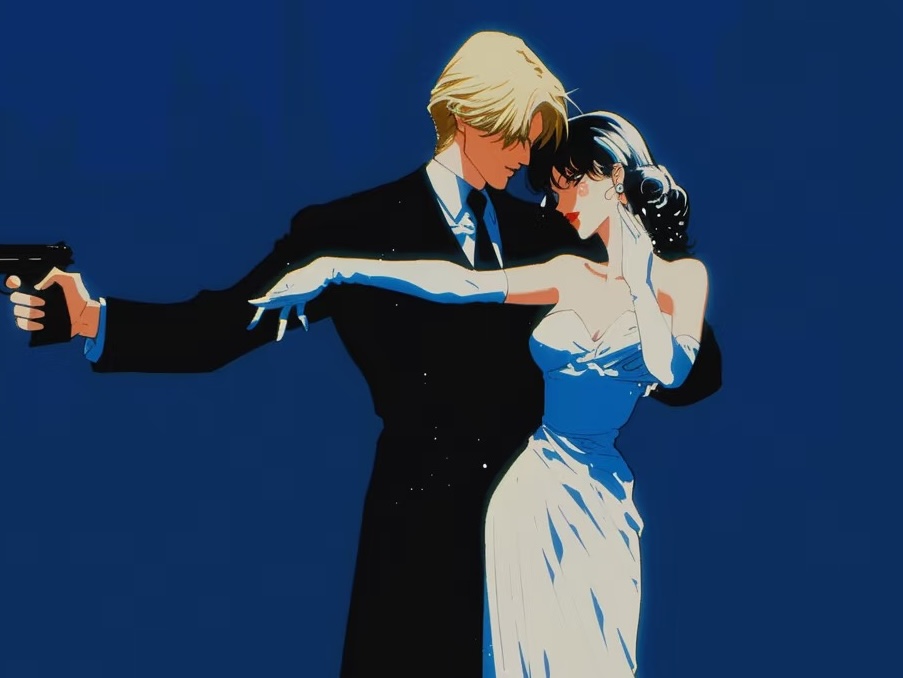
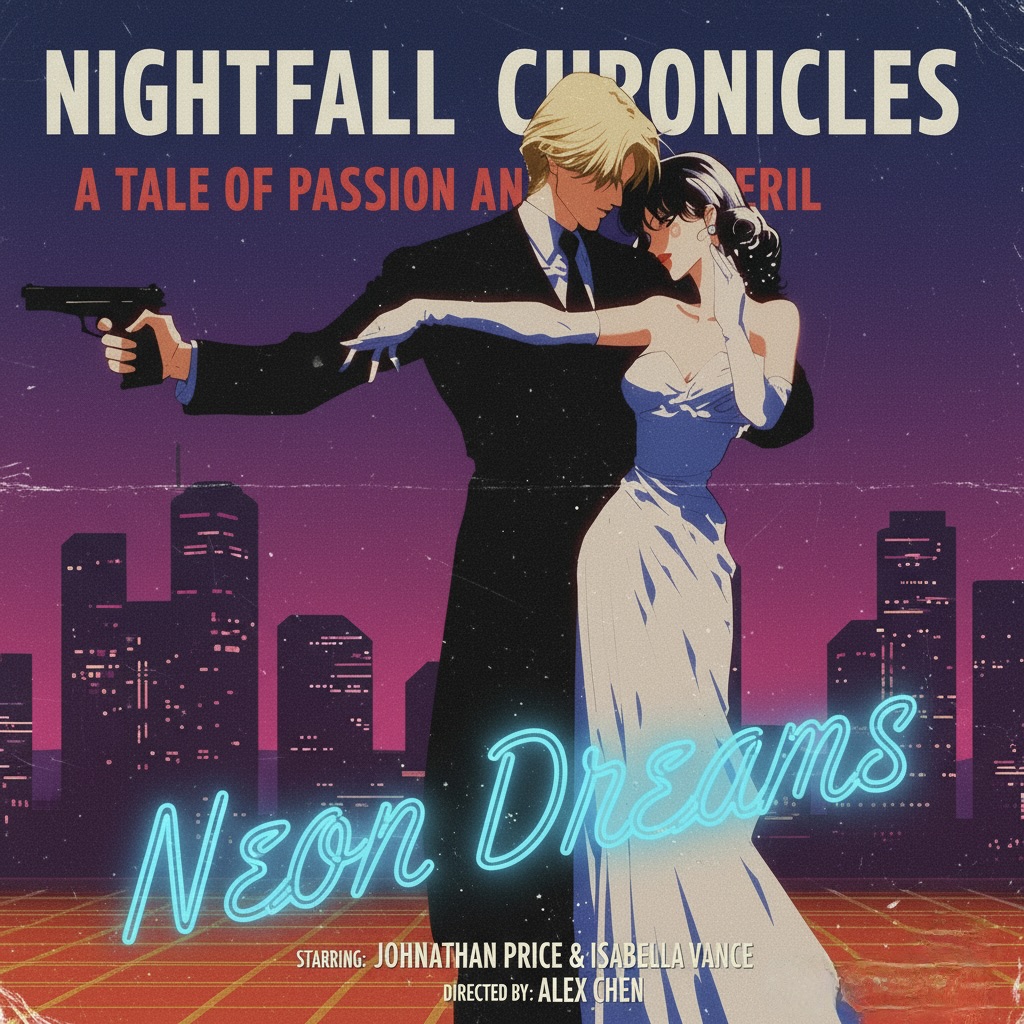

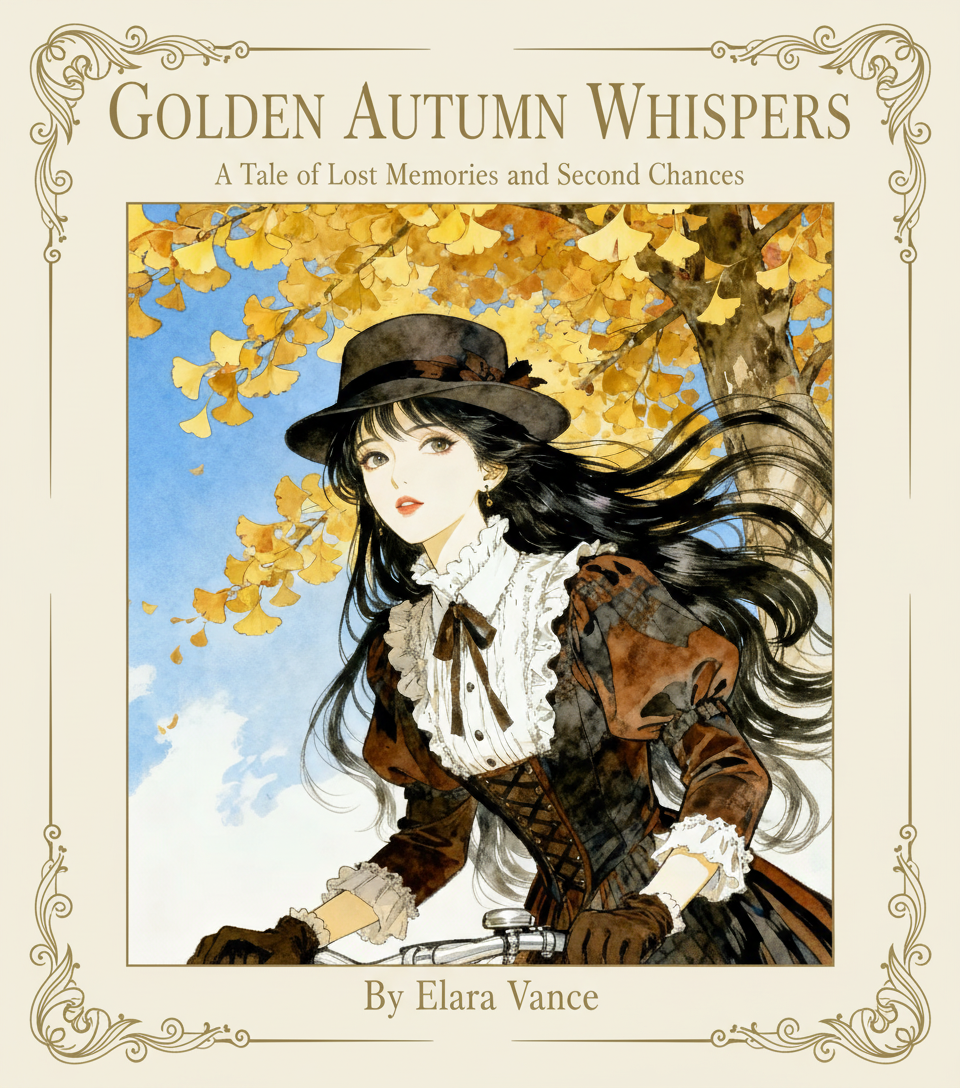
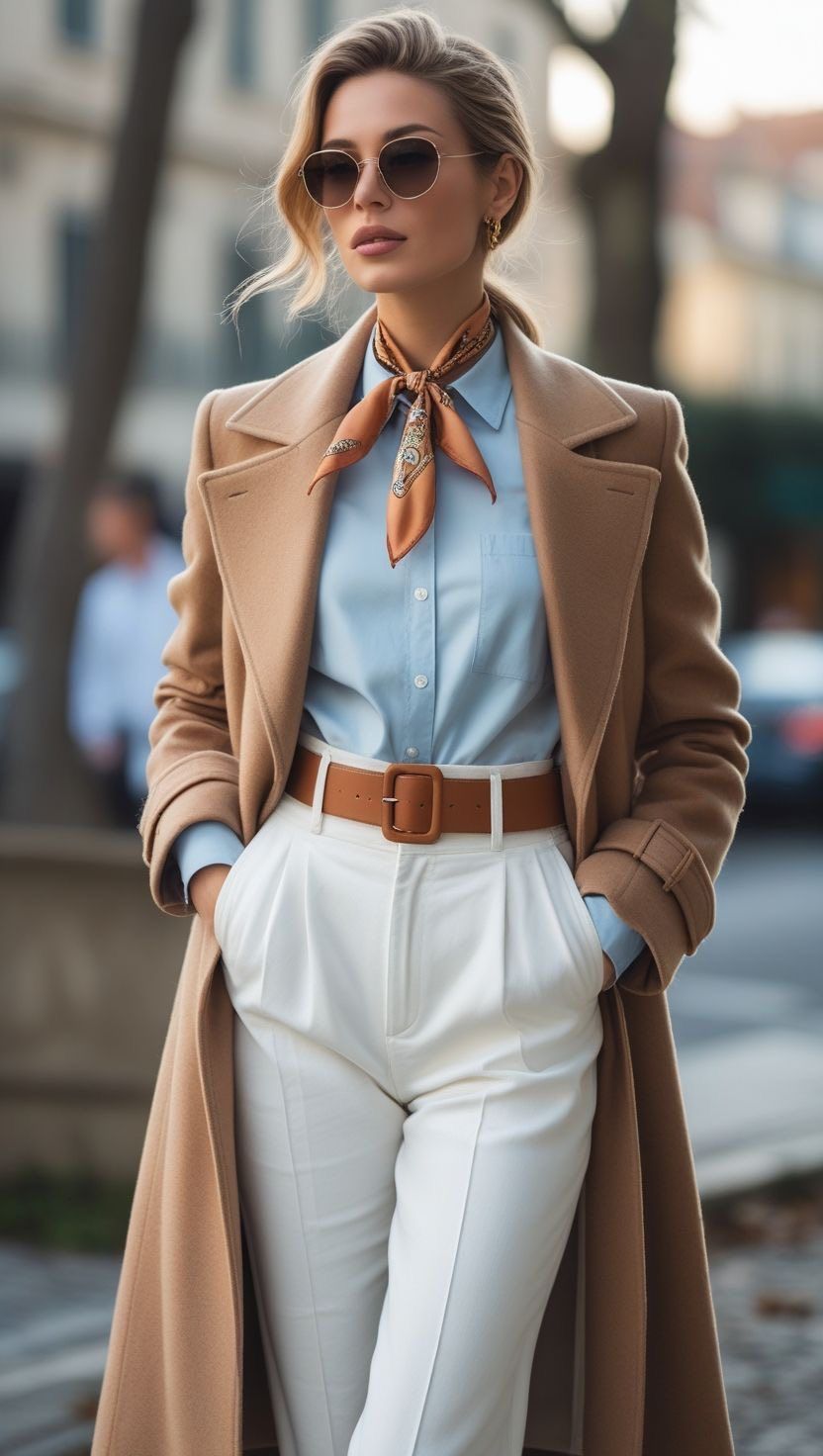
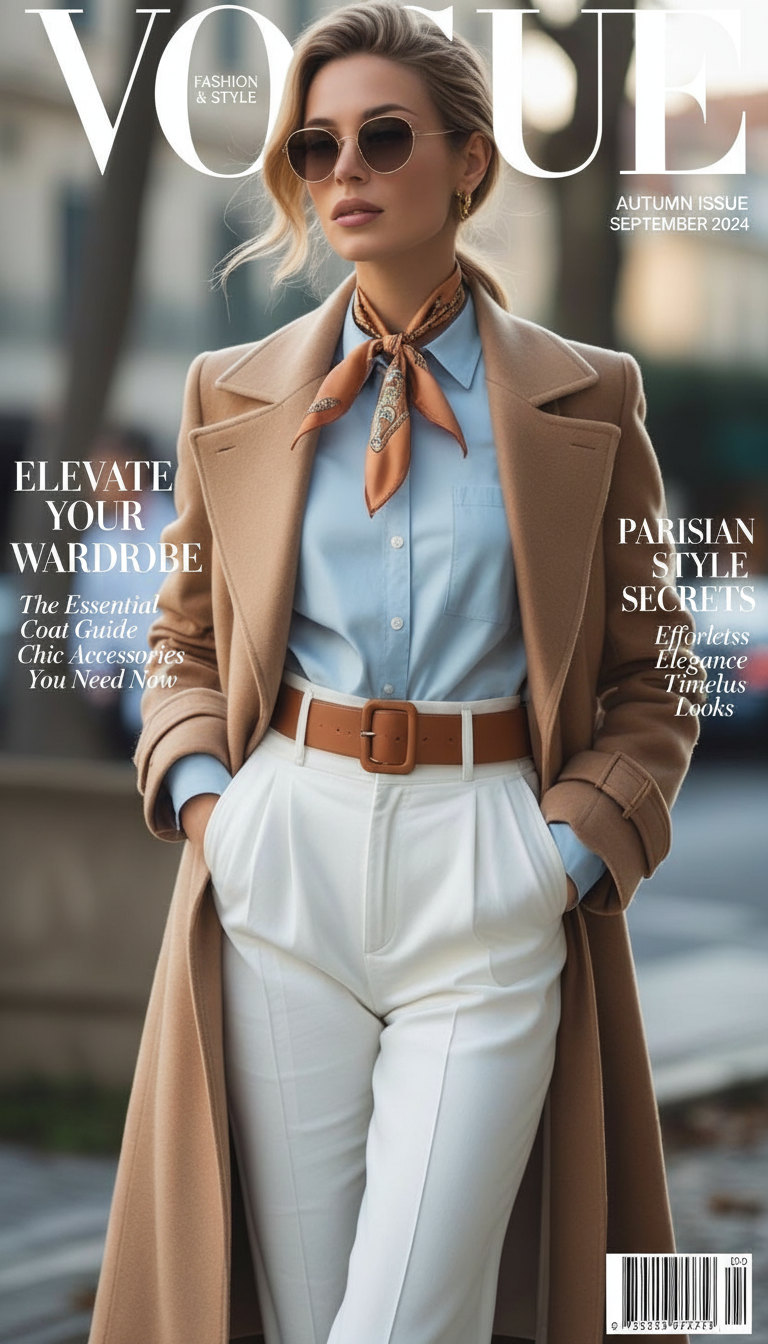
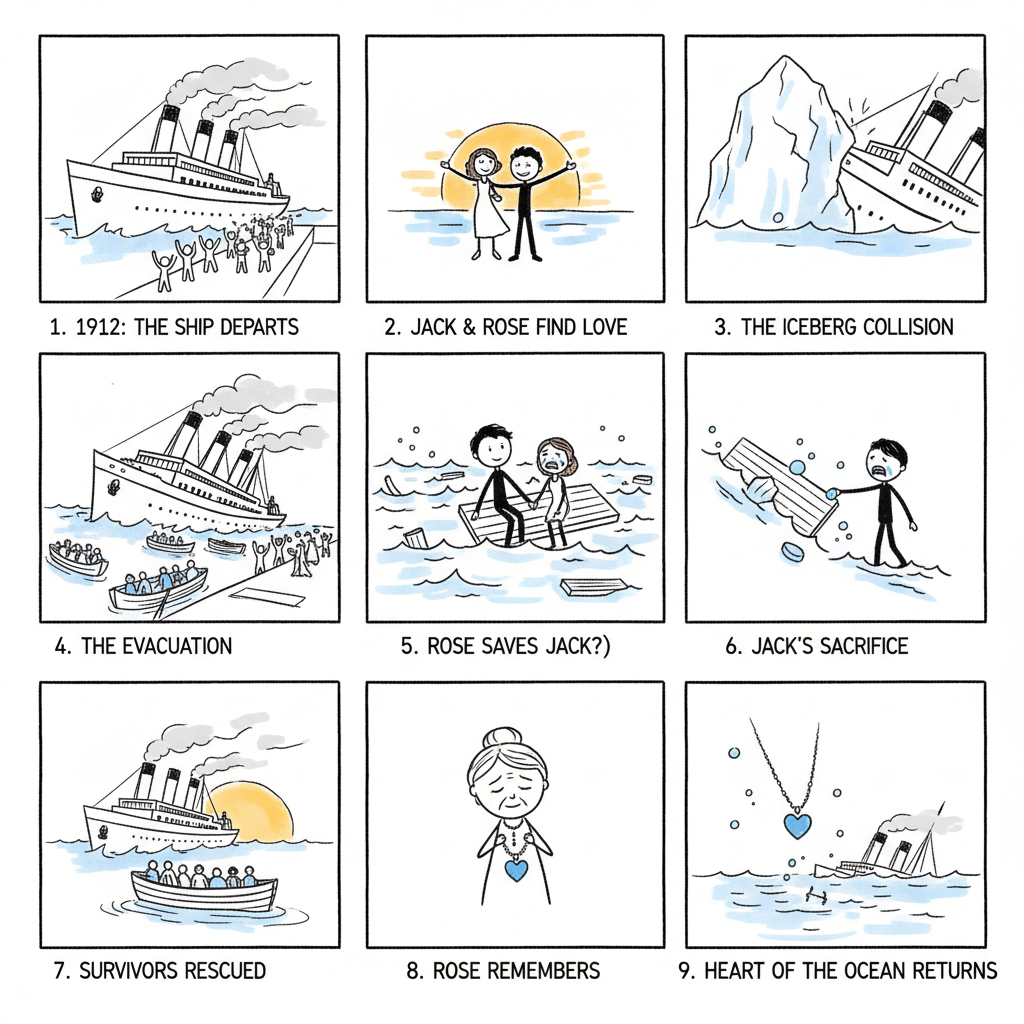
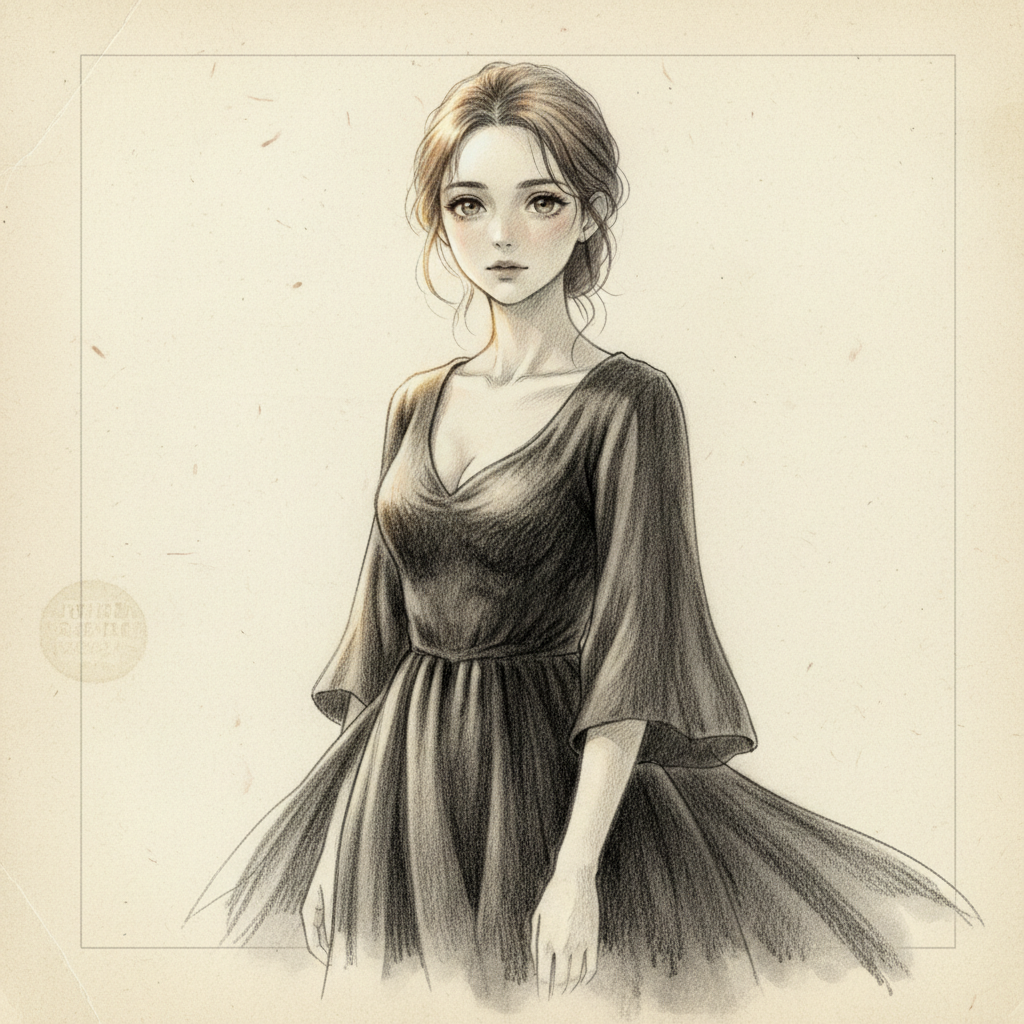
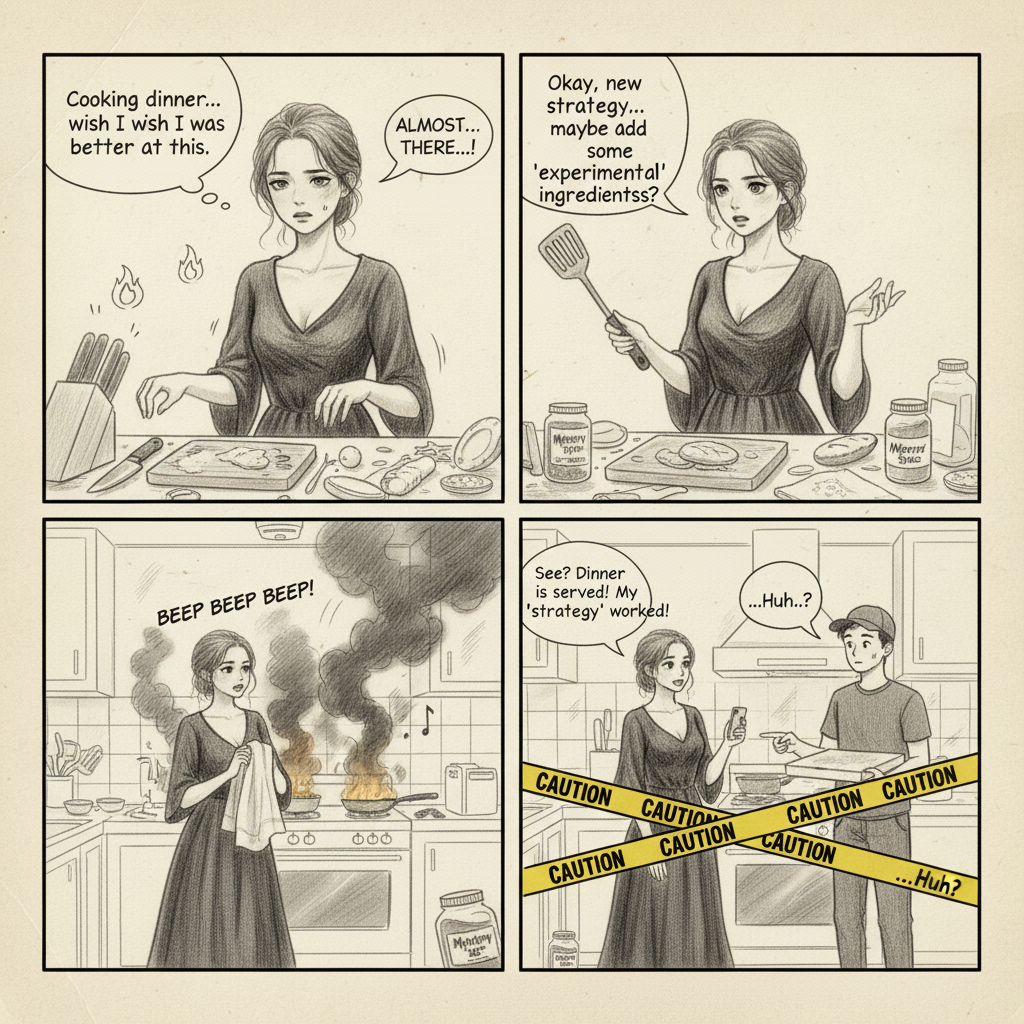
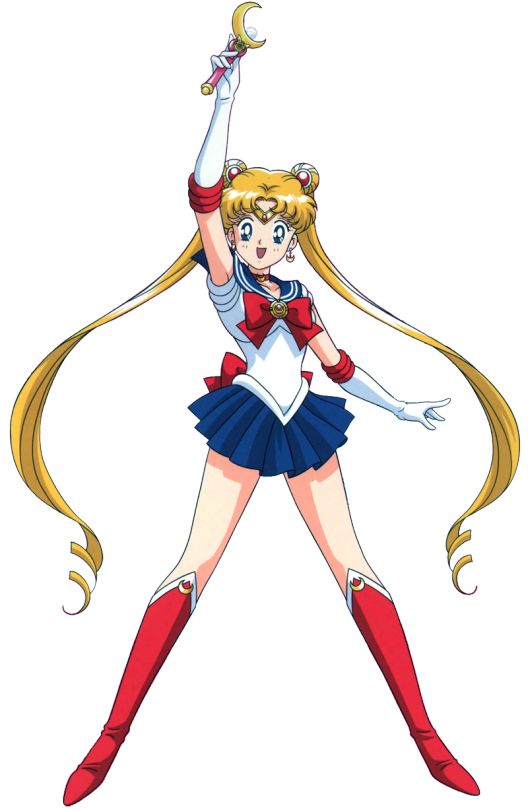
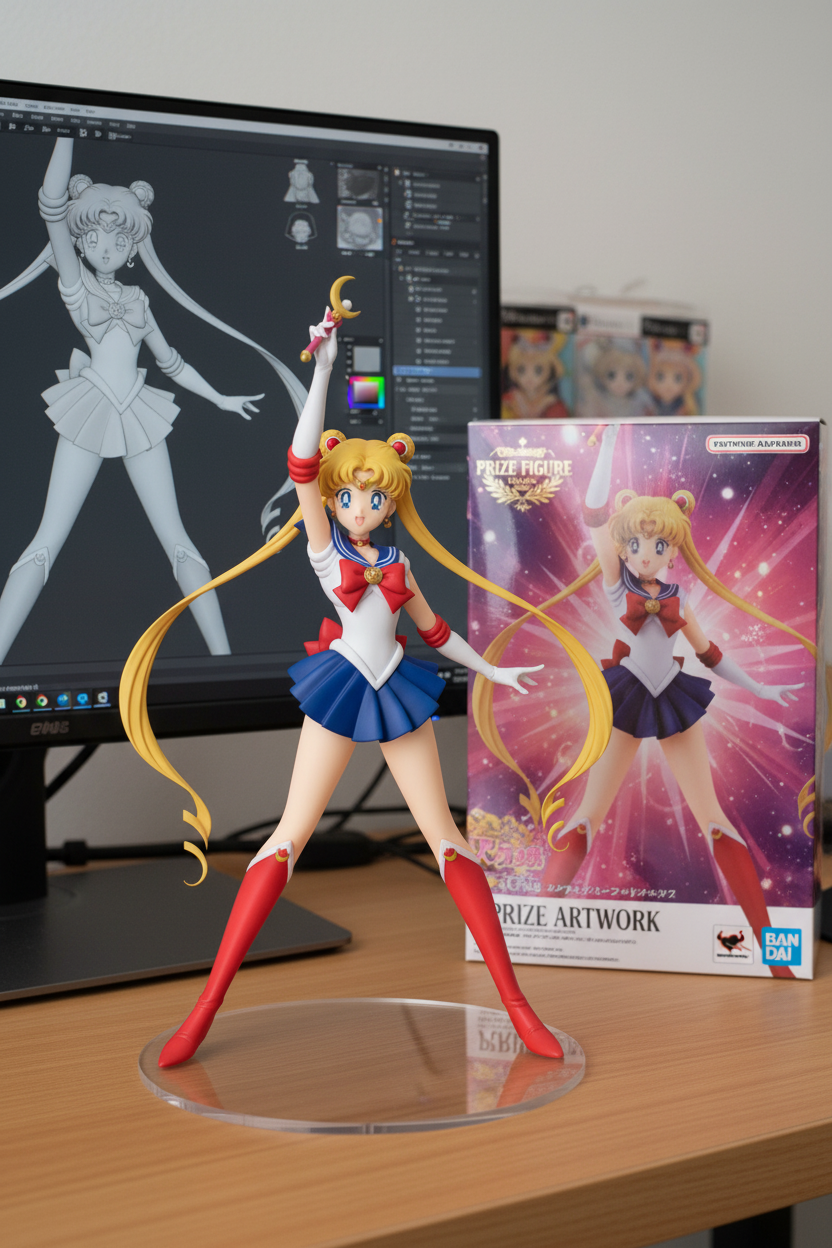
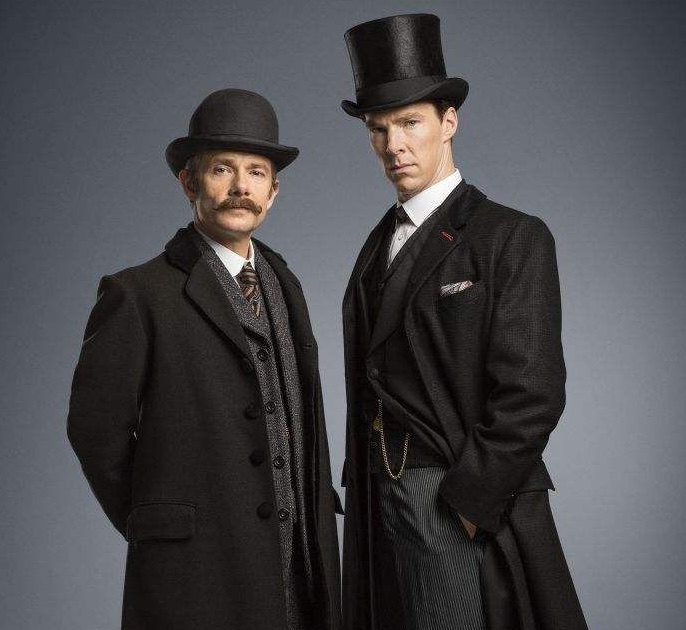
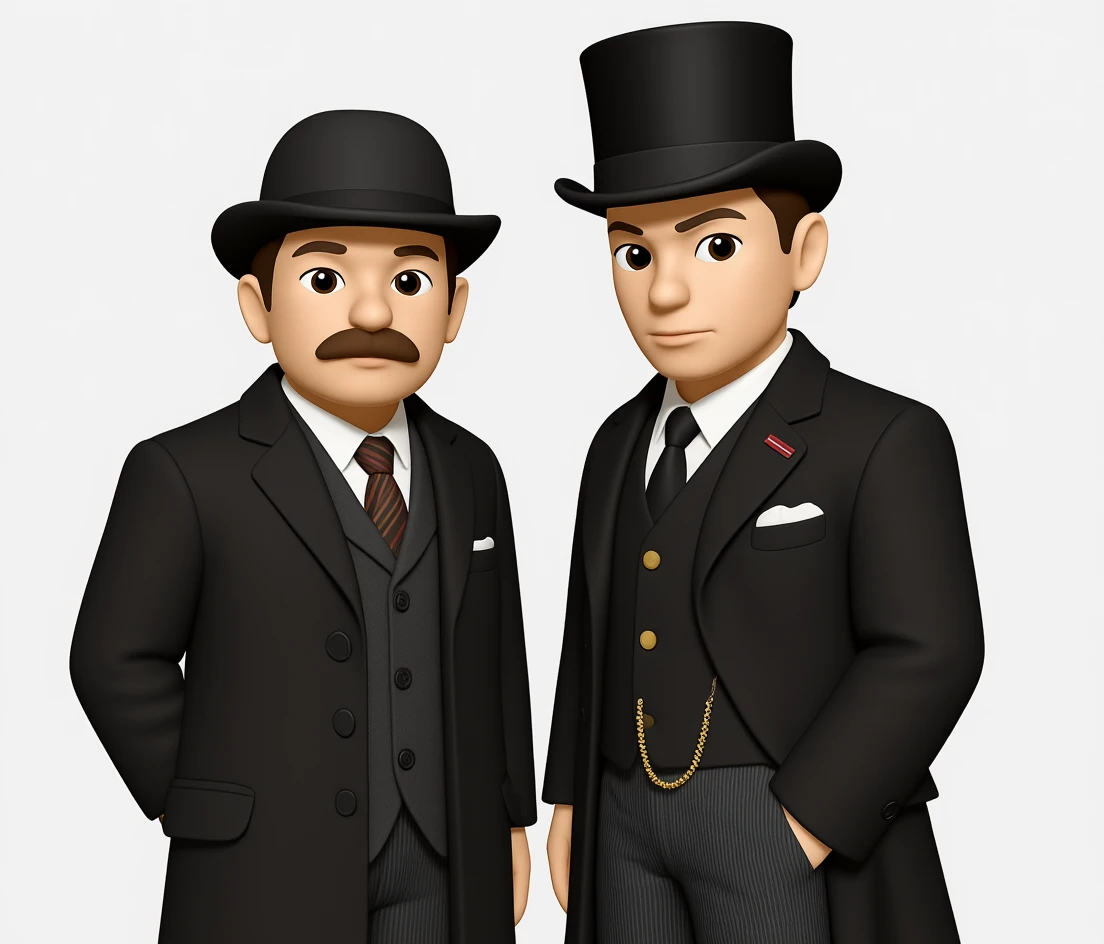



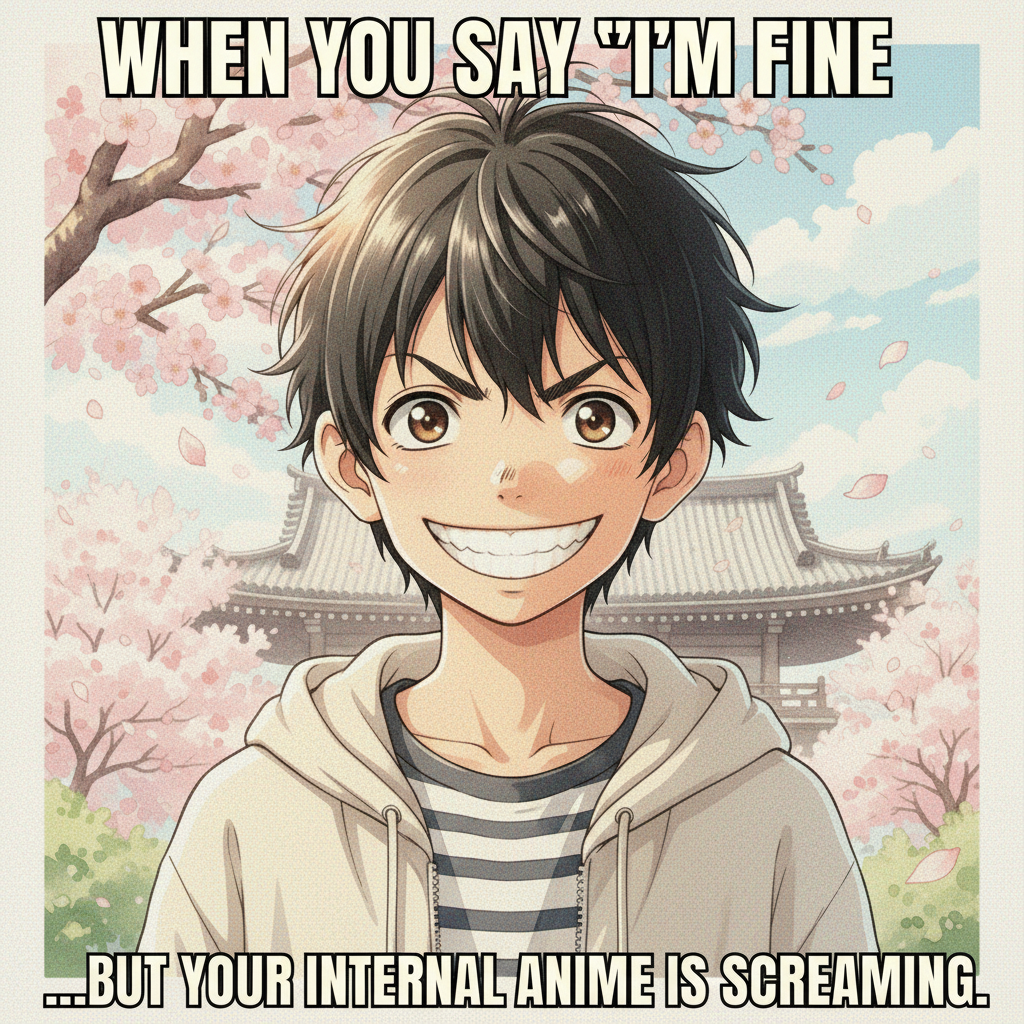



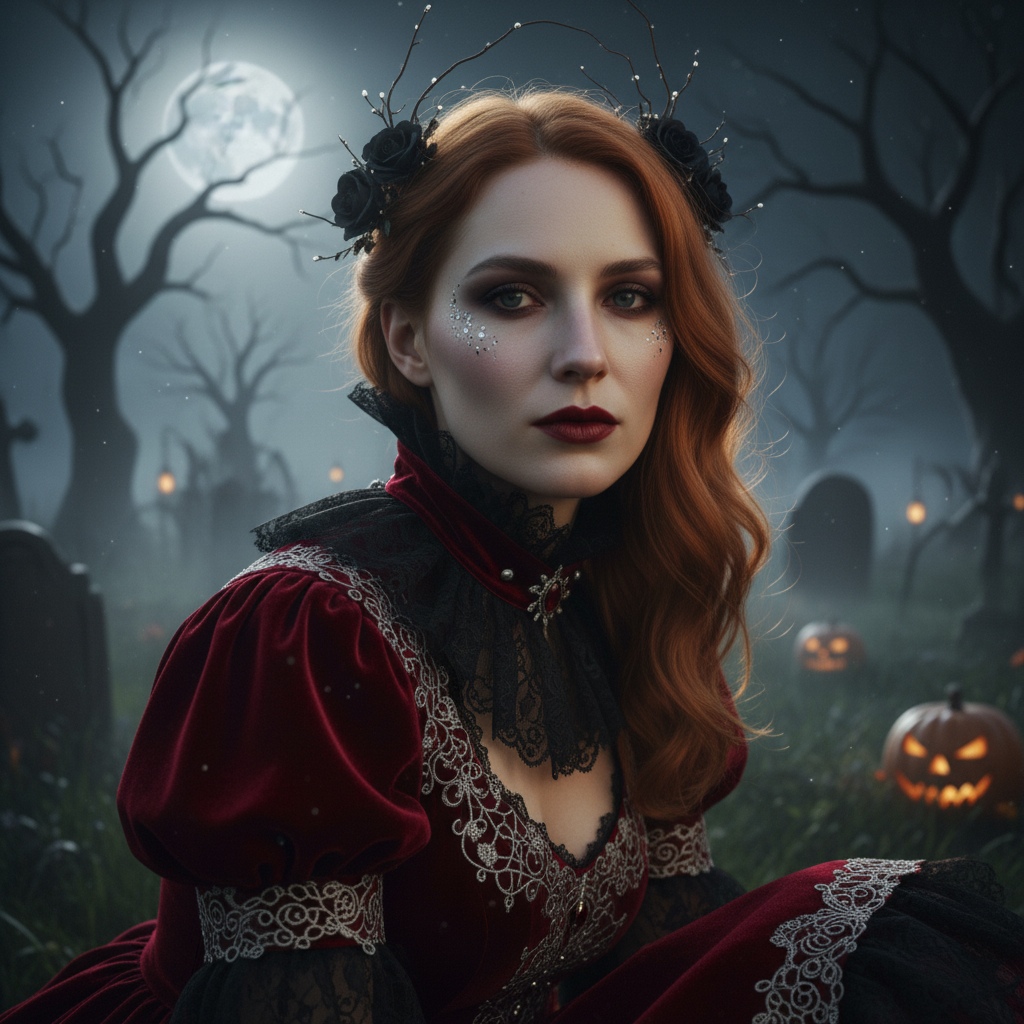
AI image templates for faster photo editing
SnapEdit templates help you start from a finished creative direction instead of a blank prompt. Each template is designed for a specific image editing task, so you can upload a photo, apply a guided style, preview the result, and export an image for social media, ecommerce, personal branding, or creative projects.
What can you create with templates?
Use the Templates Hub to turn ordinary photos into movie posters, book covers, magazine-style portraits, 4-panel comics, 9-panel storyboards, pixel art, memes, collectible figure images, and seasonal Christmas or Halloween edits. The before/after previews show the expected visual direction before you open a tool.
Why templates help SEO and users
Many people search for a specific result, such as an AI movie poster maker, AI book cover generator, meme generator, or pixel art converter. Template pages make those use cases clear, give visitors more context, and help them quickly choose the right image editing workflow.
Best photos to upload
For the cleanest results, use a clear image with good lighting and a visible main subject. Portraits work well for magazine covers, movie posters, figure styles, and seasonal edits. Product-like or object-focused photos work well when you want a cleaner graphic or promotional result.
How to use the template hub
Browse the preview cards, compare the before and after examples, then choose a template that matches your goal. Each template page includes its own upload area, prompt or settings controls, preview panel, and download flow so you can complete the edit in one place.
Need a utility tool instead of a creative template? Start with free background removal or AI upscaling before applying a template.
Remove Background Free