
New FeatureTemplatesAI Tools
🧩 New: Templates Hub — Seasonal & Style Presets
2025-11-02 • snapedit team • 1 min read
🧩 Say hello to Templates Hub
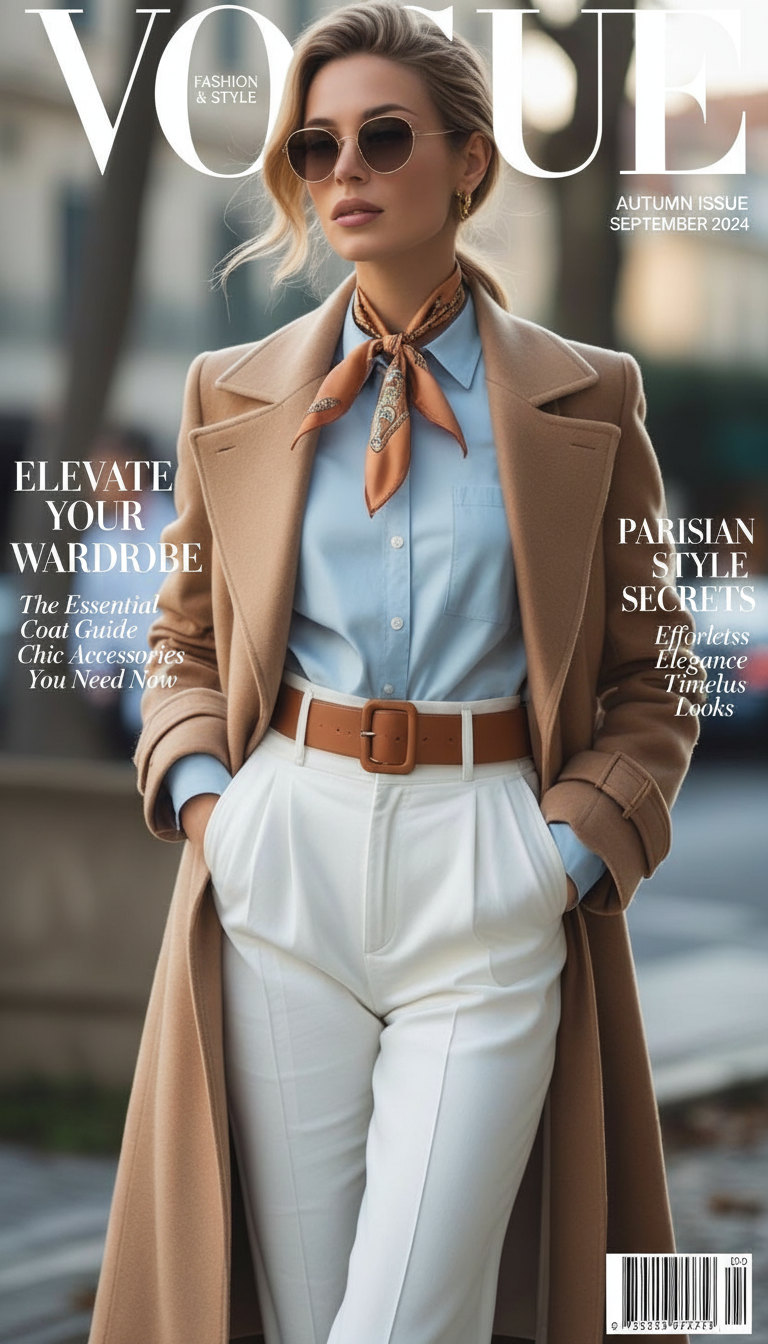
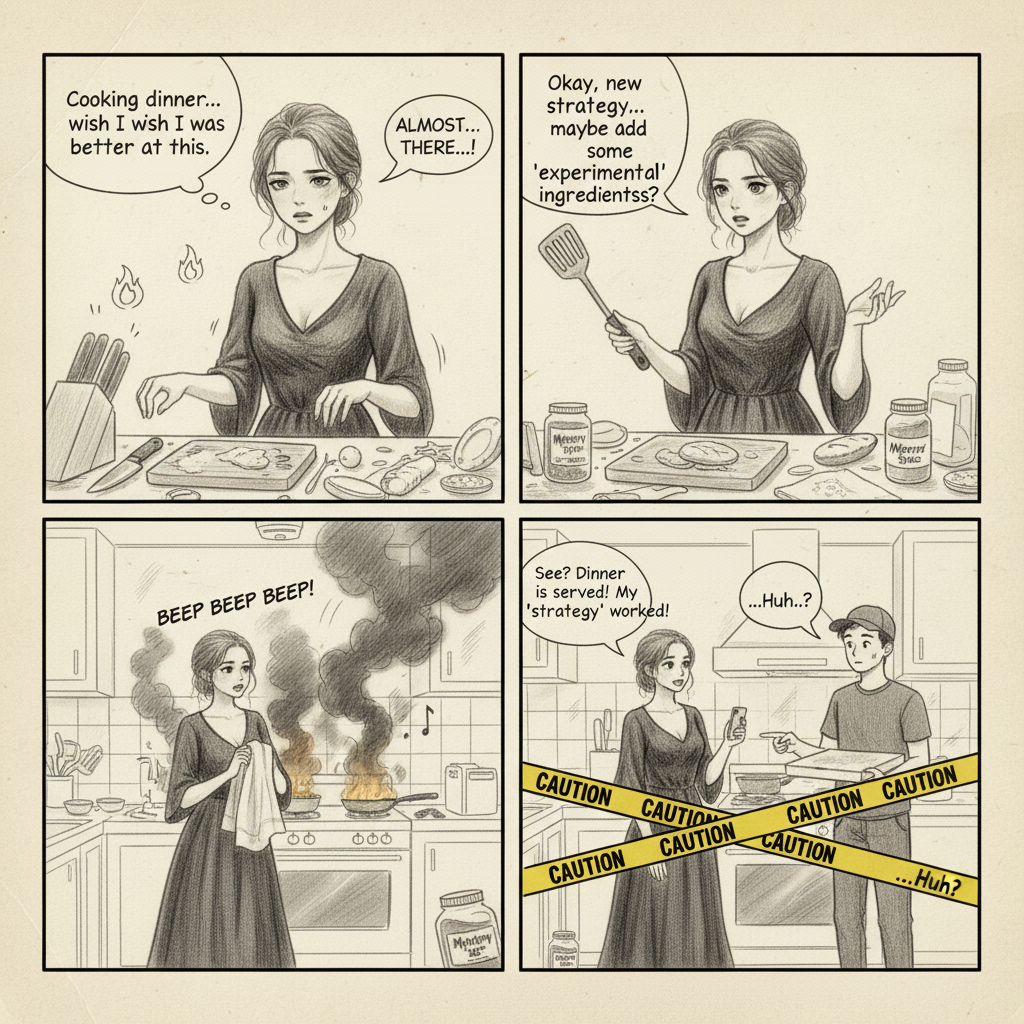
We’ve launched a new Templates page that collects curated, plug‑and‑play styles in one place. Each card shows an instant before/after preview with a draggable slider so you can see the effect before you click.
- 🎃 Halloween — Photoreal spooky character transformations
- 🎄 Christmas — Festive colors, cozy glow, and holiday vibes
- 🎎 Figure — Stylized figure/figurine aesthetics
- 😀 Emoji — Generate emoji-style versions of your photos
⚙️ How it works
- Open the Templates Hub at
/template(or click the Template card on the homepage). - Drag the slider on any card to preview the effect.
- Click "Use Template" to open the full tool with prompt and upload options.
✨ Why you’ll love it
- Instant previews with an elegant slider
- Fast start — curated prompts and setups
- Clean navigation — all seasonal/style presets in one place
🚀 Try it now
Visit SnapEdit Templates and start with any style. More templates are coming soon — tell us what you want to see next in the Feedback button on the top bar!
.png)