.png)
ProductComicsStoryboardGemini
New: Multi‑Style 4‑Panel Comics, 9‑Panel Storyboards, and Figure Style Updates
2025-11-26 • snapedit team • 2 min read
We’ve shipped three big upgrades that make visual storytelling simpler and more fun.
Powered by Gemini 3
All three templates — 4‑Panel Comic, 9‑Panel Storyboard, and Figure Style — now run on Google’s latest Gemini 3 image model for better fidelity, style control, and consistency.
Visit now: 4‑Panel Comic · 9‑Panel Storyboard · Figure Style
4‑Panel Comic: Pick a style, story optional
- Choose your look with the new “🎨 Comic Style” selector: original art, shonen, shoujo, western, chibi, retro 80s, newspaper strip, webtoon, ink/sumi‑e.
- Story is optional. Leave it blank and we’ll invent a short 4‑panel gag with setup → build → twist.
- Upload a photo (optional) if you want the character’s look/colors to stay consistent.
- One click to generate, preview, and download.

9‑Panel Storyboard: Guide it with reference images
- Add 1–5 optional reference images to steer character design, setting, and mood.
- UI matches the comic page: right side shows Reference Images (left card) and Result (right card).
- Remove a reference quickly with the ✕ on the image overlay.
- Enter a short topic (e.g., a movie title or premise), choose size & aspect ratio, then generate.
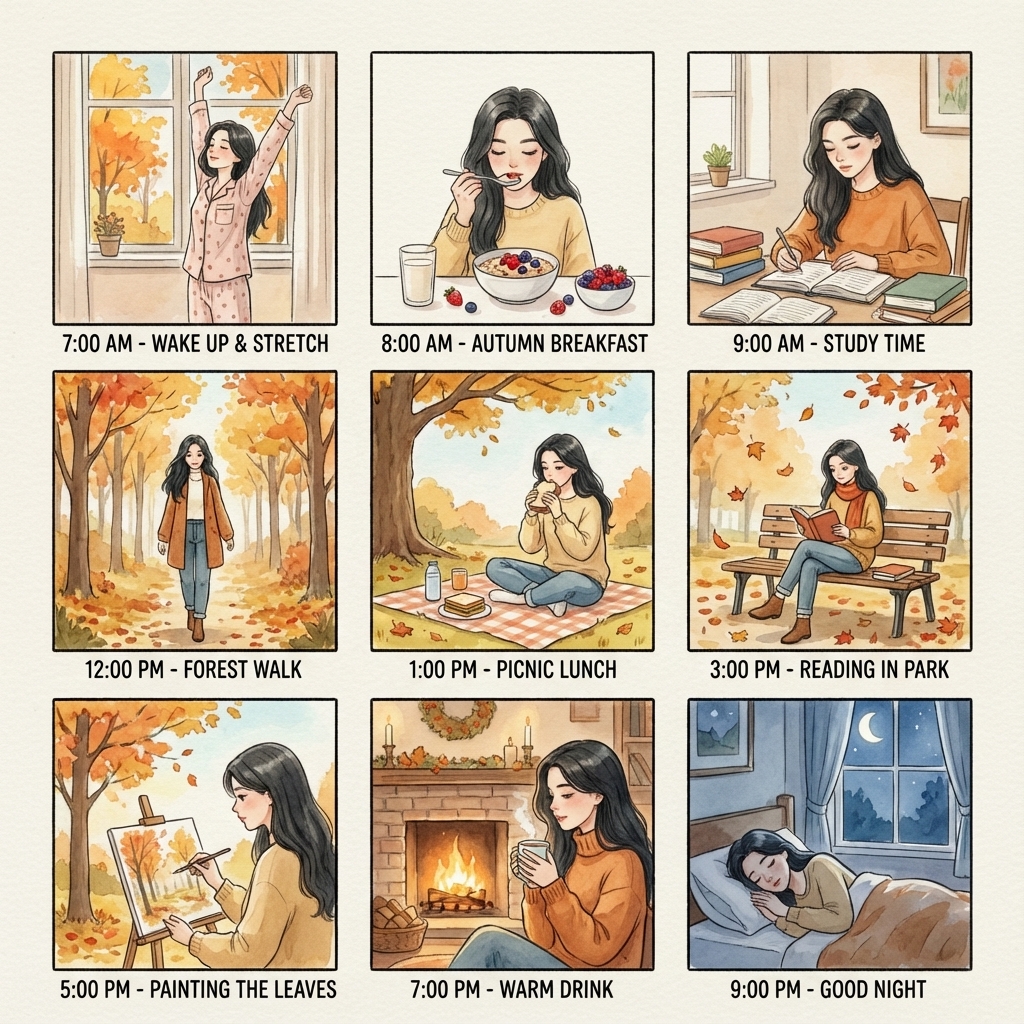
Figure Style: Chibi and BJD, ready in one click
- Pick your look: Chibi (super‑cute, super‑deformed) or BJD (elegant ball‑jointed doll vibe).
- One‑click product display: transparent round acrylic base + high‑end toy packaging box next to the figure.
- Optional photo upload to keep the figure’s likeness close to your reference.
- Clean backgrounds and flattering lighting so the figure is the clear focal point.
Why you’ll like it
- Faster from idea to image: sensible defaults, optional inputs.
- Clear style control: switch looks without rewriting prompts.
- Consistency when you need it: optional photo (4‑panel) and reference images (9‑panel).
Try them now: Make a 4‑Panel Comic → · Make a 9‑Panel Storyboard → · Create a Figure Style →
.png)